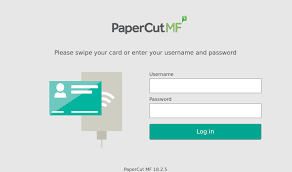
How To Set Up Staff ID Card to Print
The new printers are equipped with proximity card readers, providing quick access to release your print jobs. Staff members can use their existing staff ID cards (i.e., those used for boom gate access) to take advantage of this tap feature.
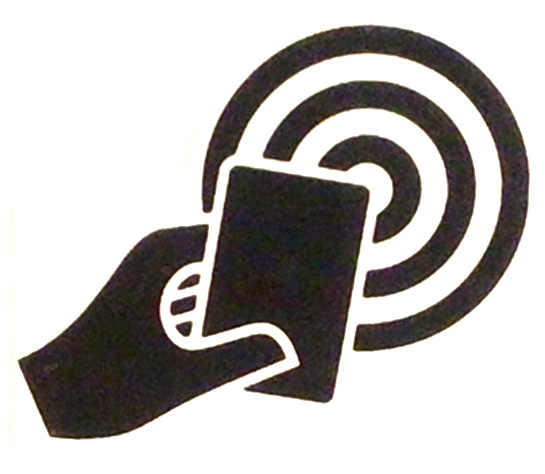
There is a one-time setup process to associate your card with the printer. To complete the setup, tap your Staff ID card where indicated on the printer and, when prompted, enter your username and password.