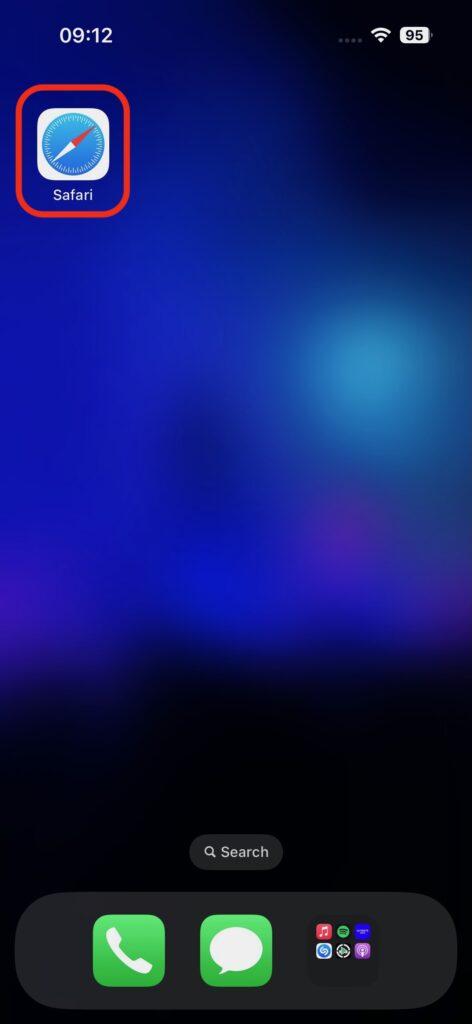
1. Open Safari on your iPhone.
2. Tyle into a URL the portal address:
https://mystandrews.saac.qld.edu.au
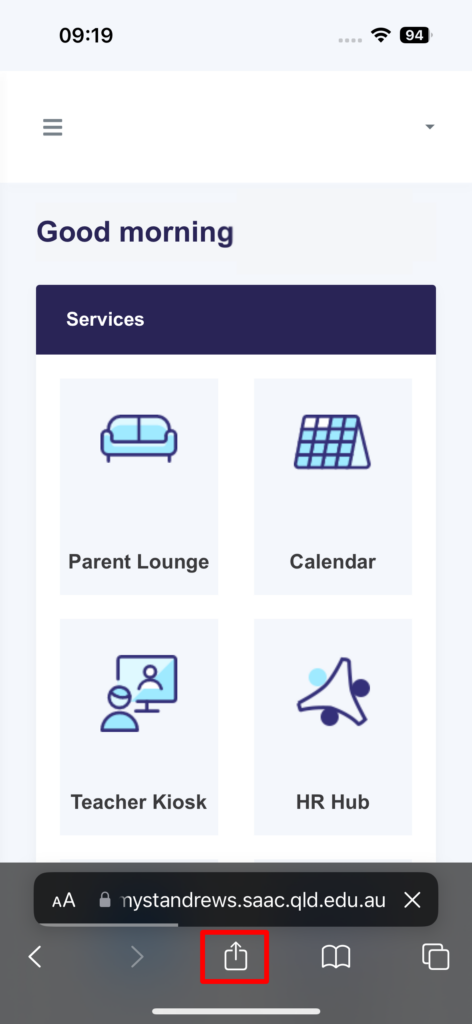
3. Once you’re on the Portal, tap the box with the up arrow at the bottom of the screen.
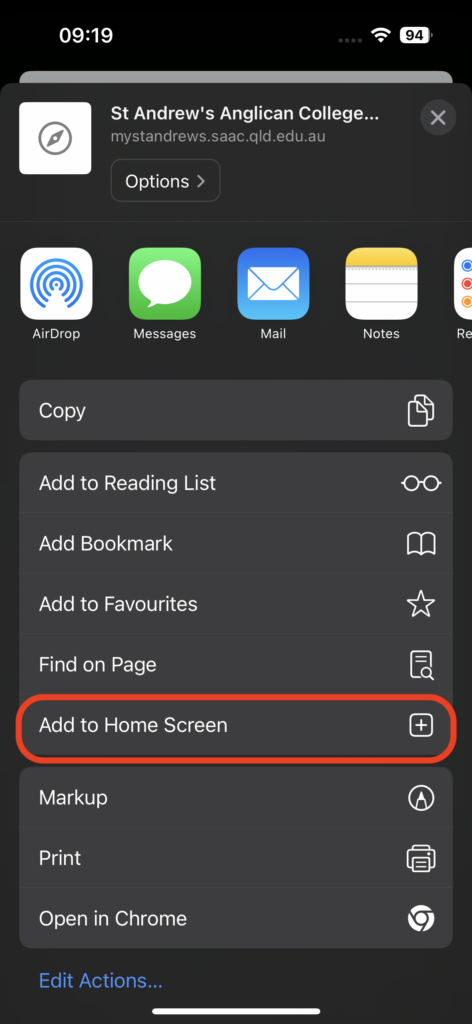
4. Scroll down and select Add to Home Screen.
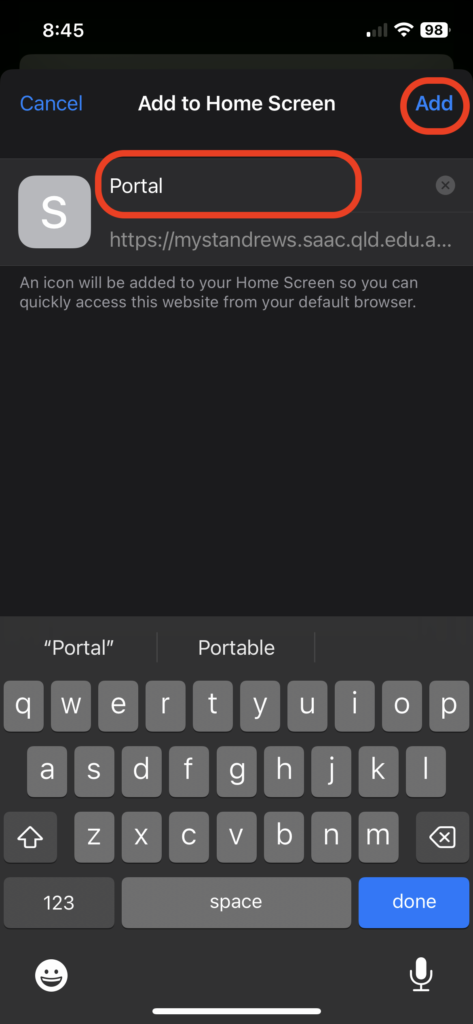
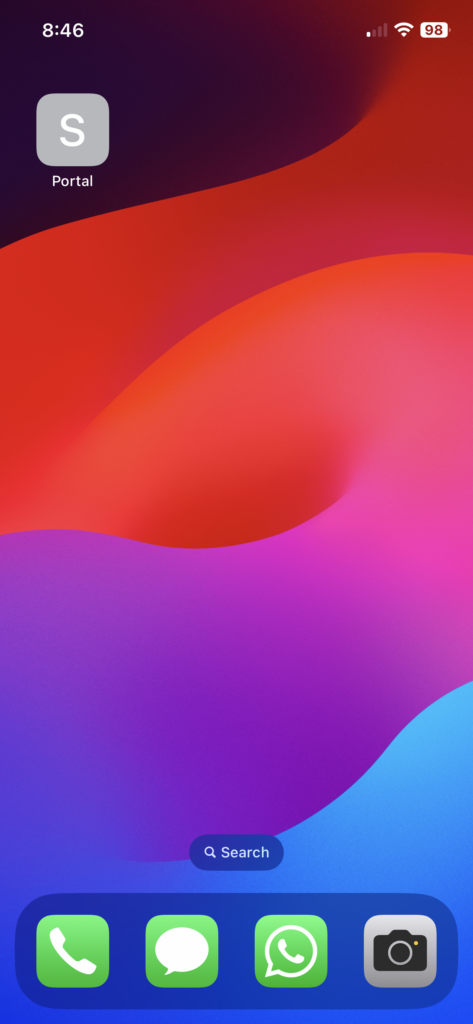
5. Enter a name for the shortcut (e.g., “Roll Marking”) and tap Add.