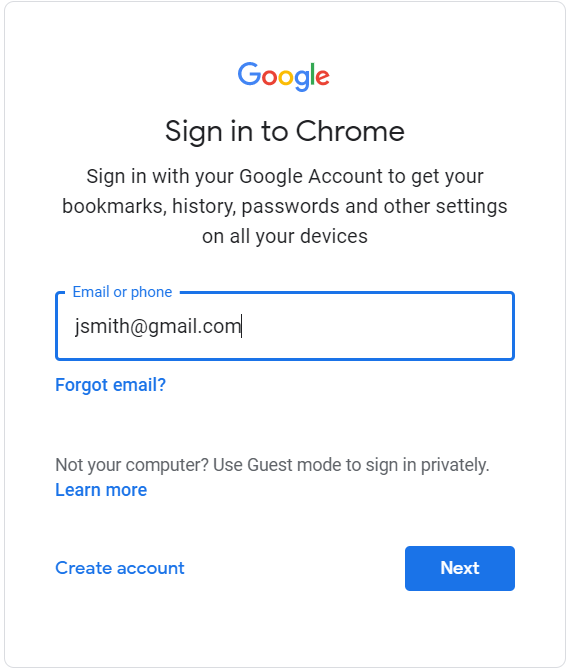
If haven’t done already, you’ll need to login with your St Andrews email and password. To do this you’ll need to do the following:
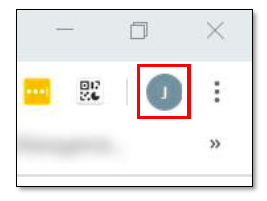
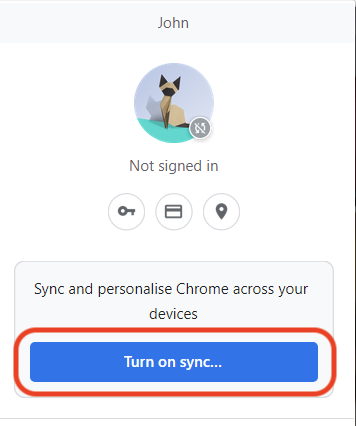
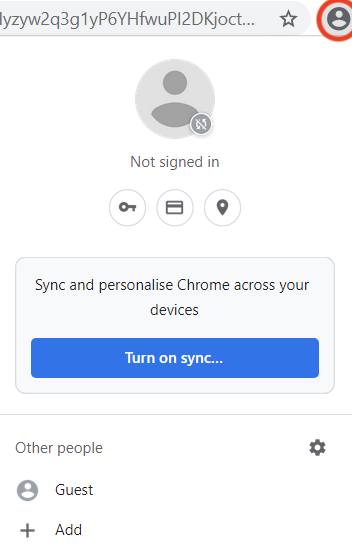
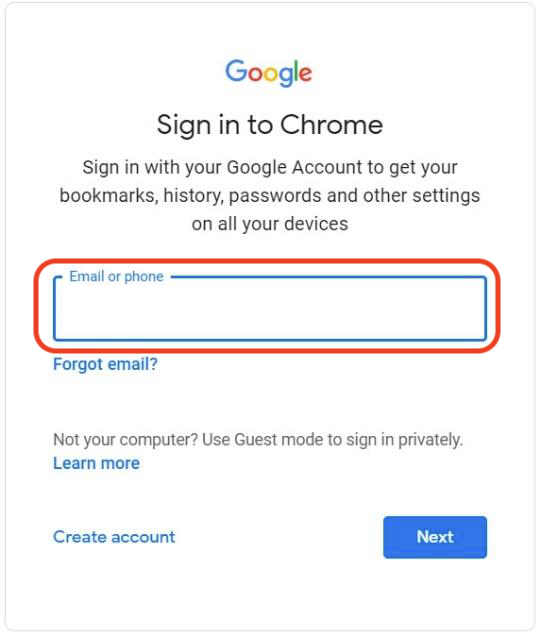
Select the person icon in the top right > Select Turn on Sync > Enter your St Andrews email into the box highlighted > Click Next
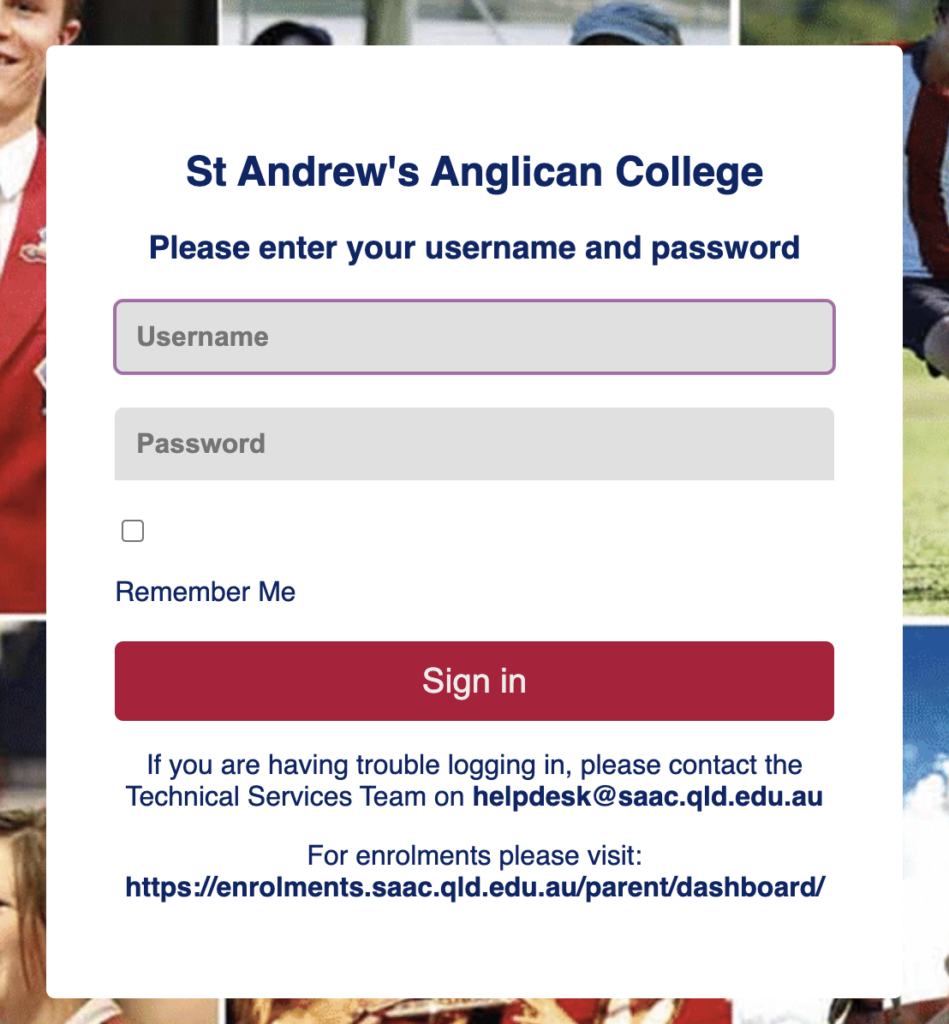
After clicking Next, you should be presented with the login screen > Enter your St Andrew’s Username and password, then click Sign In
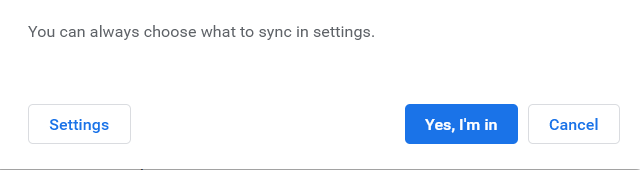
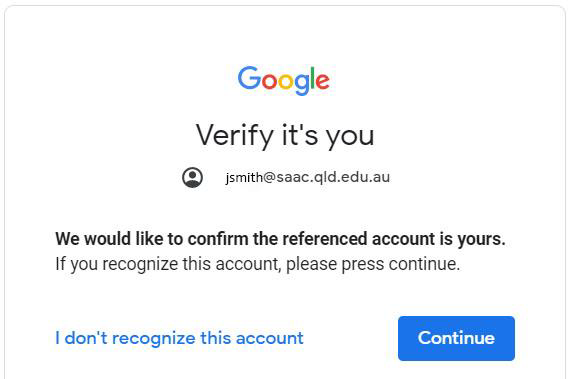
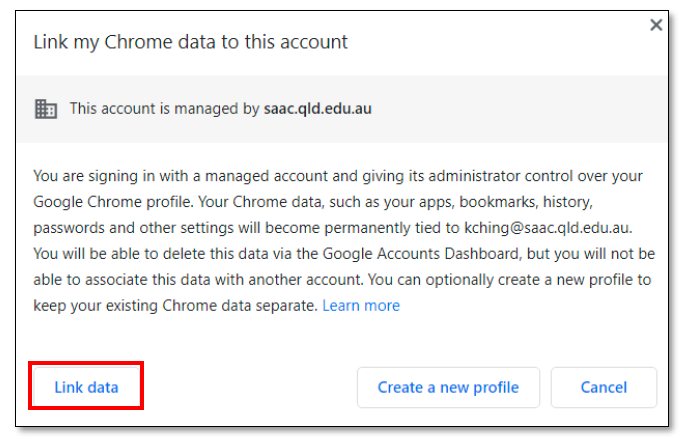
Once through the Login screen above > select Continue > select Link Data > select Yes, I’m in
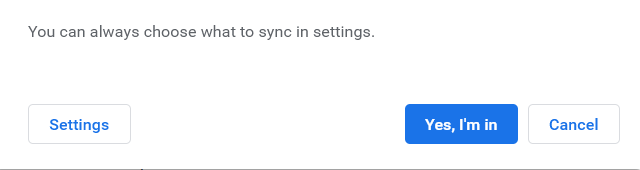
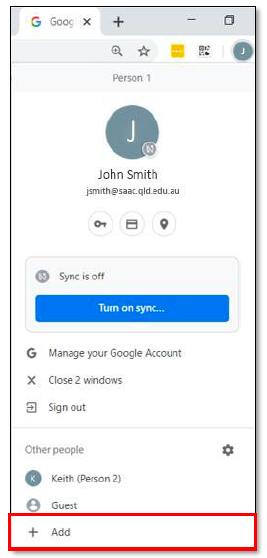
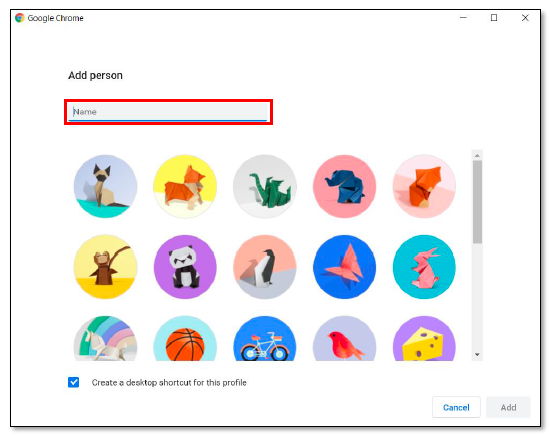
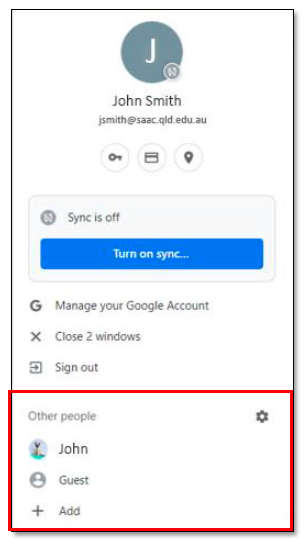
To add existing accounts, you’ll have to select your icon in the top right > Select Add > Type in the name of the account and select Add > Reselect the icon in the top right > Select Turn on Sync > Enter the email of the account and select Next > Select Yes I’m in